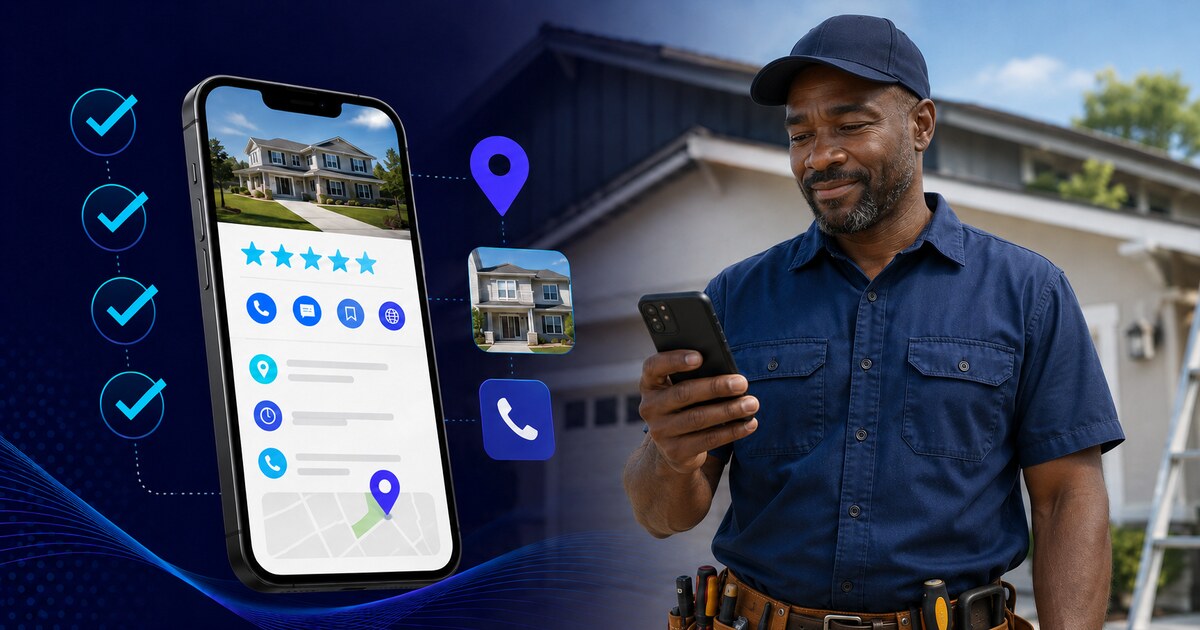
Google Business Profile Optimization Checklist for Contractors
Your Google Business Profile is the most important local SEO asset you have. Most contractor profiles are incomplete or misconfigured. This checklist covers every section — set it up right once, then maintain it consistently.
By Jon Alcon, Business Advisor·August 19, 2026·10 min read
I review contractor Google Business Profiles as part of my onboarding process with every new TradeZIP client. What I find, consistently: profiles that are either incomplete, have incorrect information, or have never been touched since they were first claimed.
Google Business Profile drives Local Pack rankings — the map-based results that appear at the top of local service searches. A well-optimized profile is one of the highest-leverage things a contractor can do for their local SEO. An incomplete or neglected one is leaving rankings and calls on the table every single day.
This checklist walks through every section of a contractor GBP, what to do in each, and the mistakes that most commonly cause profiles to underperform.
Basic setup and verification
Claim and verify your profileGo to business.google.com. If your business already has a profile (common for established businesses), claim it rather than creating a duplicate. Verification is typically done by postcard, phone, or video recording.
Business name exactly matches your legal/DBA nameDon't add keywords to your business name (e.g., "Smith Plumbing — Denver's Best Plumber"). Google prohibits this and may suspend your profile. Use your actual business name only.
Address matches your website and all directories exactlyIf your website says "Suite 200" but your GBP says "Ste. 200," that inconsistency matters. Use the same format everywhere.
Phone number is your primary contact numberUse the number you answer most reliably. This should also match your website's phone number exactly.
Website URL points to your homepage (or most relevant page)Link to your main website, not to a social media profile or Yelp page.
Business hours are accurate and completeInclude all days you operate, your actual opening and closing times, and set holiday hours when relevant. "By appointment" businesses can mark specific hours or check "Open with main hours."
Service area is configured for every city you serveGo to "Business location" settings and add every city, county, or zip code you actively serve. This is critical for showing up in searches outside your home city.
Categories and services
Primary category is as specific as possibleChoose the most specific category for your primary trade — "Plumber" beats "Contractor." "Electrician" beats "Home Services." Your primary category is the most important ranking signal.
Secondary categories are added for additional servicesIf you're a general contractor who also does roofing and painting, add those as secondary categories. Don't add categories for services you don't actually offer.
Services section is complete with descriptionsAdd every service you offer. Include a brief description for each. This content is indexed by Google and helps with relevance matching for specific service searches.
Business description is written (750 characters max)Describe what your business does, where you serve, and what makes you the right choice. Include your primary trade and your main service area naturally in the text. Don't keyword-stuff — write for homeowners first.
Want your GBP managed and optimized for you?
TradeZIP handles your Google Business Profile setup, ongoing optimization, review management, and the local SEO work that keeps you ranking above competitors.
Logo uploaded and currentUse your actual business logo, not a smartphone photo of your business card.
Cover photo shows your work or teamThe cover photo is the first visual impression. Use a high-quality photo of a completed project, your crew, or your vehicle — not a stock image.
At least 10 photos of actual completed workBefore/after photos perform particularly well. Profiles with more and newer photos consistently outperform those with few or no photos.
Photos are updated at least monthlyNew photos are a freshness signal. Add new project photos regularly — even a few per month makes a difference over time.
Photos have descriptive file names before uploadingRename files before uploading — "kitchen-remodel-arvada-co.jpg" is more useful to search engines than "IMG_4827.jpg."
Posts and updates
GBP posts are published at least every 2 weeksPosts appear on your profile and can include offers, project updates, seasonal tips, or news. They signal to Google that the business is active.
Posts include a photo and a clear call to actionPosts with images perform better than text-only. Always include a button — "Call now," "Get a quote," "Learn more."
Seasonal offers are set up when relevantUse the "Offer" post type for promotions. Spring and fall are high-demand seasons for many trades — a timely offer post can drive additional contact.
Reviews
You have a direct review link saved and ready to sendGo to your GBP dashboard, click "Ask for reviews," and save the short link. Send this to every customer after a successful job.
Every review receives a response within 48 hoursResponding to reviews — positive and negative — is a ranking signal and a trust signal. Thank positive reviewers specifically. Address negative reviews professionally and factually.
Review velocity is consistent (new reviews coming in regularly)A business that got 40 reviews two years ago and nothing since looks stale. New reviews signal that you're still active and that customers are still happy. See our guide on getting more Google reviews for the systematic approach.
Q&A section
Q&A section is monitored and responded toAnyone can post questions — and anyone can answer them, including incorrect answers. Check your Q&A section weekly and respond to any unanswered questions.
Common questions are pre-answered by youYou can ask and answer your own common questions ("Do you offer free estimates?" "Are you licensed and insured?" "What areas do you serve?"). This populates your Q&A with accurate information before customers have to ask.
Ongoing maintenance
Profile information is reviewed quarterly for accuracyBusiness hours, phone numbers, service areas, and descriptions change over time. Set a calendar reminder to review your GBP every 3 months.
GBP insights are checked monthlyGoogle shows you how many people found your profile, what they searched for, and what actions they took. This data tells you what's working and where to focus.
Suspicious edits from Google or users are monitoredGoogle allows the public to suggest edits to business profiles. Watch for edits that change your phone number, address, or hours — these can appear without notification.
A complete, accurate GBP is the single most important local SEO asset for most contractors. Incomplete profiles leave rankings on the table.
Your primary category is the most important ranking signal in your GBP — choose the most specific option that describes your primary trade.
Photos and posts are activity signals. Update them regularly, not just at launch.
Respond to every review. The response is public and affects how potential customers perceive you as much as the review itself.
Monitor the Q&A section — inaccurate answers from third parties can mislead customers and stay visible indefinitely if you don't address them.
JA
Jon Alcon
Business Advisor
Jon works with contractors on their complete local growth setup at TradeZIP, with particular expertise in Google Business Profile optimization and local citation management. He onboards new customers and audits local presence as part of every new client engagement. More from Jon →
Related reading
Guides
Local SEO for Contractors: A Practical Guide
How your GBP fits into the complete local SEO picture.